


Somewhere in your office, a human being is copying numbers from one spreadsheet into another. Right now. As you read this sentence. It’s happening.
That’s the exact problem process automation was built to solve. Not the flashy, sci-fi kind of automation with robots walking around the office—the quieter kind that lives inside your software and quietly takes over the tasks nobody wants to do twice.
Let’s break down what it actually means, how it works, and why so many companies are finally taking it seriously.
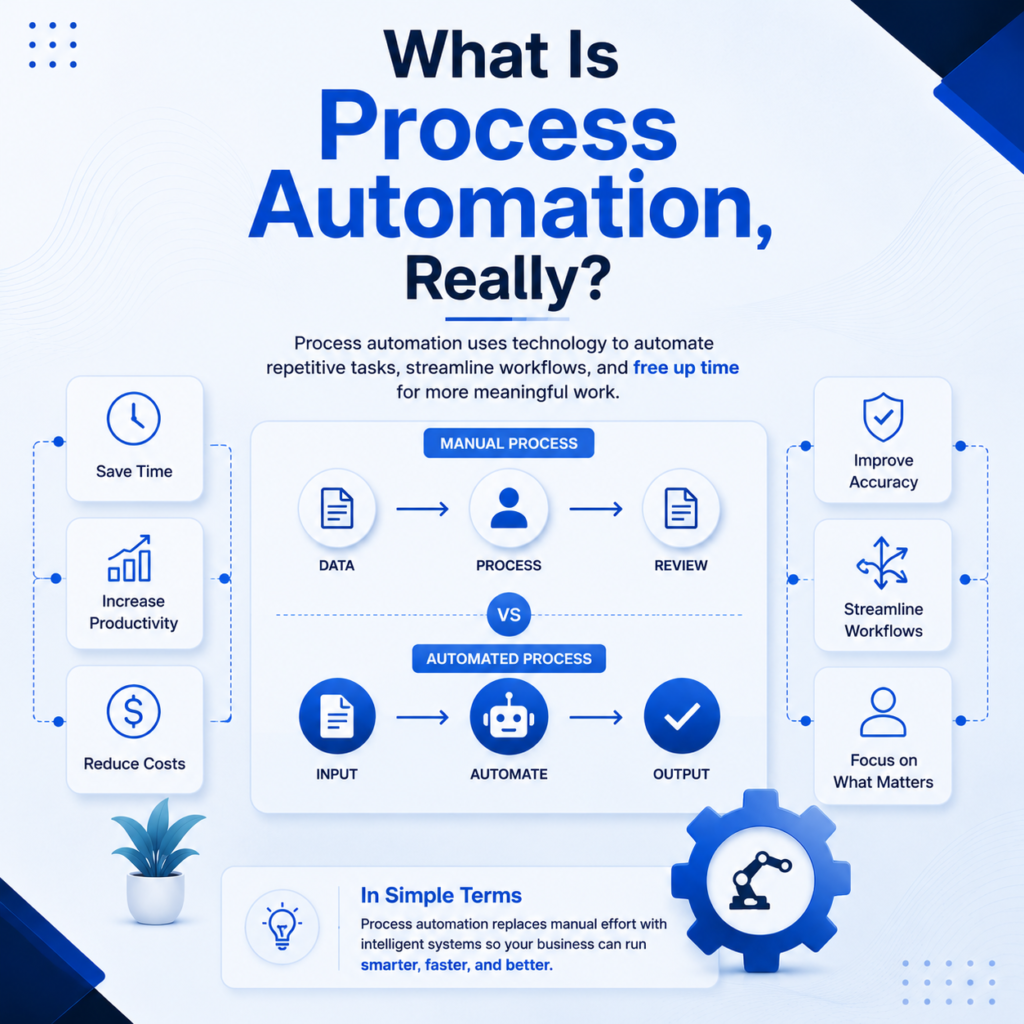
Process automation means using technology to complete tasks that follow a set pattern, without a person clicking through every single step. Think invoice approvals, employee onboarding forms, or sending the same follow-up email for the hundredth time.
It’s not about replacing judgment. It’s about removing repetition. A computer doesn’t get bored re-entering the same customer ID fifty times a day. A human does, and that boredom is where mistakes creep in.
Research firms track this shift closely because it touches nearly every industry. According to Precedence Research, the robotic process automation market was valued at roughly $28 billion in 2025 and is projected to keep growing at a strong double-digit annual rate through the next decade, largely driven by AI-powered and cloud-based automation tools. Estimates vary between research firms depending on methodology, but the direction is the same everywhere: automation adoption is climbing, not slowing down.
People mix these two up constantly, so let’s settle it here.
Robotic process automation (RPA) uses software “bots” to mimic what a person would do on a screen—clicking, typing, and copying data between systems. It’s narrow and task-specific. A bot doesn’t understand your business strategy; it just follows the exact steps it was shown.
Business process automation (BPA) is the bigger picture. It looks at an entire workflow, from start to finish, and redesigns it to run with minimal manual input. McKinsey defines business-process automation as using general-purpose technologies, like bots and algorithms, to perform work that used to require manual effort, with the goal of improving how a company’s systems function overall.
Here’s a simple way to remember it: RPA automates a task. BPA automates a process. A bot filing an invoice is RPA. Redesigning the entire invoice-to-payment workflow, including approvals, notifications, and reporting, is BPA.
Neither one is “better.” They usually work together, like a good cop and a very literal-minded robot cop.
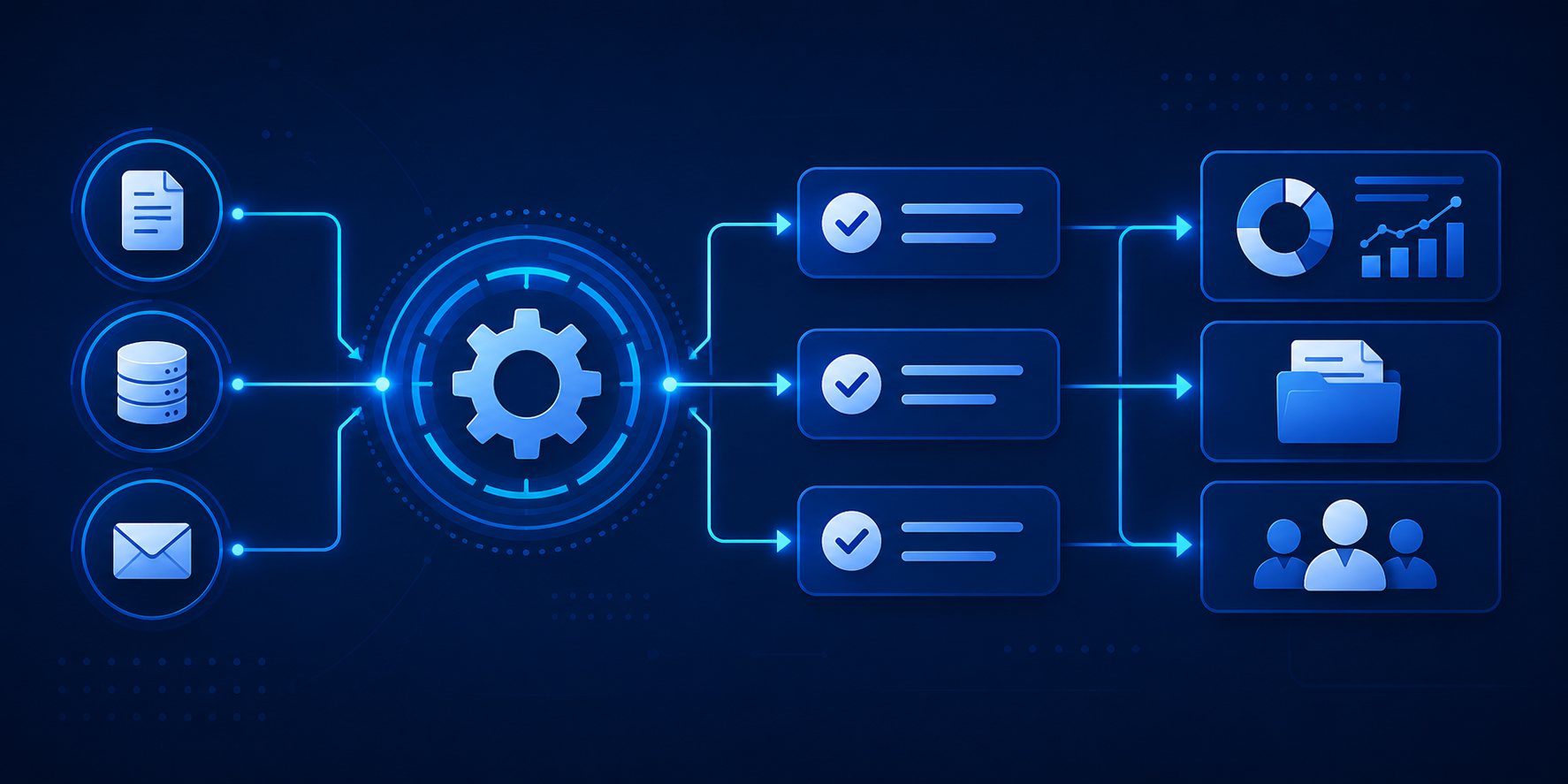
Most business process automation solutions follow a similar pattern under the hood.
That last point trips up a lot of companies. They treat automation like a home appliance — install it once, expect it to run forever. In reality, it’s more like a garden. It needs occasional attention, or things get weedy.
This is the part everyone actually cares about, so let’s be direct about it.
Time savings: Tasks that took hours can often be finished in minutes. Employees get their time back for work that actually requires a brain.
Fewer errors: A tired employee at 4:45 PM on a Friday might mistype a number. A properly configured bot won’t, because it doesn’t get tired, hungry, or distracted by lunch plans.
Lower operational costs: Reducing manual, repetitive labor tends to lower the cost of running a process, especially at scale, where even small efficiency gains multiply across thousands of transactions.
Better compliance and audit trails: Automated processes leave a digital paper trail. When a regulator or auditor asks “who approved this and when,” you have an instant answer instead of a group chat full of guessing.
Happier employees: This one gets overlooked. Nobody dreamed of a career built around manual data entry. Removing that drudgery tends to improve morale and reduce turnover in roles that would otherwise burn people out.
Scalability without proportional headcount growth: A growing company doesn’t have to hire one new person for every ten new customers if the routine parts of onboarding are already automated.
McKinsey’s research on automation technologies estimates that, at a global scale, automation could raise productivity growth by roughly 0.8 to 1.4 percent annually. That’s not a small number when it compounds across an entire economy, let alone a single company.
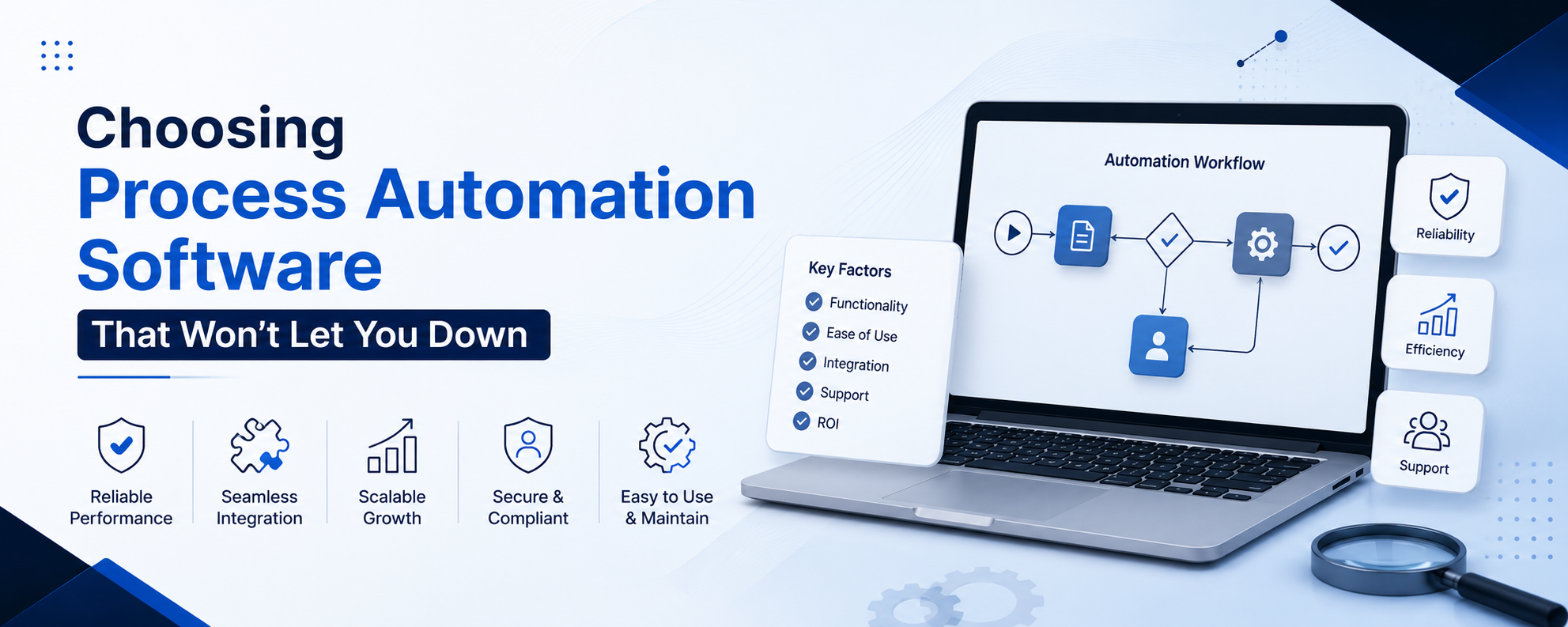
Not all process automation software is created equal, and picking the wrong one is a special kind of expensive regret. A few things worth checking before signing any contract:
Companies generally pick one of three paths.
Buying an off-the-shelf platform is the fastest route. Vendors like UiPath, Automation Anywhere, and similar providers offer pre-built tools that cover common use cases. Good for speed, less flexible for unusual workflows.
Building custom automation in-house gives full control but requires real technical investment. This suits larger companies with unique, complex processes that generic software can’t handle well.
Blending both is increasingly common. Companies use off-the-shelf platforms for standard processes like payroll or ticketing, while building custom automation for the workflows that make their business genuinely different from competitors.
There’s no universally “right” answer here. It depends on budget, technical staff, and how unusual your processes are. A ten-person startup and a global bank are not shopping for the same thing, and pretending otherwise wastes money.
A few mistakes show up again and again:
If your team is ready to explore process automation, start small:
Process automation isn’t about replacing people with robots in some dramatic office takeover. It’s about giving people their time back, cutting down on avoidable mistakes, and letting your team focus on work that actually needs a human brain behind it.
Whether that means a simple robotic process automation bot handling data entry, or a full business process automation overhaul across departments, the underlying goal stays the same: fewer repetitive headaches and more meaningful work.
Start small, measure honestly, and let the results make the case for expanding further. The spreadsheet-copying employee from the first paragraph will thank you.
